
- All
- Product Name
- Product Keyword
- Product Model
- Product Summary
- Product Description
- Multi Field Search
Please Choose Your Language
Views: 0 Author: Site Editor Publish Time: 2026-05-28 Origin: Site


Upgrading from plain stock packaging to a fully printed brand experience marks a major business milestone. It transforms a simple delivery vessel into a powerful marketing asset. Consumers increasingly judge product quality by their very first physical interaction.
However, this transition introduces significant margin risks and technical production hurdles. Poorly prepared artwork often leads to muddy logos, misaligned folds, and expensive reprint runs. Furthermore, choosing the wrong printing method can unnecessarily drain your per-unit profitability.
This guide provides decision-makers and designers a clear path forward. We offer an evidence-based, technical checklist for preparing artwork, selecting print methods, and evaluating packaging vendors. You will learn how to navigate these complexities without falling for hidden costs.
Custom printing requires a careful cost versus outcome analysis. Compare the baseline cost of stock eco-boxes against fully customized corrugated options. Standard stock boxes might cost roughly $0.60 per unit. Fully printed versions often exceed $2.00 per unit. You must assess if this premium aligns with your margin structure. It should also support your customer lifetime value (CLV) goals before you commit to large production runs.
Do not ignore the wasted space variable during your operational evaluation. A custom packing box engineered to your exact product dimensions minimizes empty voids. It reduces your reliance on expensive void fill materials. More importantly, it lowers dimensional weight (DIM) shipping charges. These backend logistic savings often partially offset the higher initial unit cost.
You must also balance brand visibility against security constraints. Evaluate your specific product type carefully. E-commerce brands rely heavily on full-color mailers to create a memorable unboxing experience. Bright colors and bold logos drive social media sharing. Conversely, high-value goods demand a different approach. Products like jewelry or electronics often require discreet, unbranded outer packaging. This prevents theft during the delivery process.
If margins remain too tight for full-color printing, consider scalable midway solutions. You do not have to jump straight to premium manufacturing. The table below outlines transitional strategies.
| Packaging Strategy | Best Use Case | Initial Setup Cost | Visual Impact |
|---|---|---|---|
| Custom Rubber Stamps | Micro-businesses seeking a rustic, handmade aesthetic. | Very Low | Minimalist, vintage, single-color. |
| Branded Packaging Tape | Standard corrugated box sealing and basic brand reinforcement. | Low | Utilitarian but professional. |
| High-Quality Stickers | Flexible application across multiple box sizes. | Low to Medium | Full-color capable, highly adaptable. |
| Fully Printed Custom Box | Established brands prioritizing the ultimate unboxing experience. | High | Maximum brand immersion and structural integrity. |
Professional artwork preparation strictly separates amateur designs from commercial readiness. Printers will reject files failing to meet core technical standards.
Understanding your printer's template ensures your design translates perfectly to physical cardboard. Errors here cause expensive structural failures.
A compliant print file isolates structural elements into three distinct layers. This 3-layer pre-press architecture includes the structural Dieline, the Visual Artwork, and the Background Bleed. Grouping these onto one single layer guarantees production errors. The pre-press software needs these layers separated to process the cutting and printing instructions accurately.
You must decode the dieline boundaries correctly before placing any graphics.
Avoiding structural interference protects your brand presentation. Never place critical design elements directly over crease lines. Avoid designing over glue flaps completely. Designs traversing folds often crack. They easily misalign during automated box assembly, destroying the visual flow of your packaging.
Background bleed execution requires careful attention to detail. You must ensure background colors or repeating patterns extend fully past the cut lines. They need to bleed completely into the designated margin area. This intentional over-printing prevents unintended white borders if the die-cutter shifts by a fraction of a millimeter.
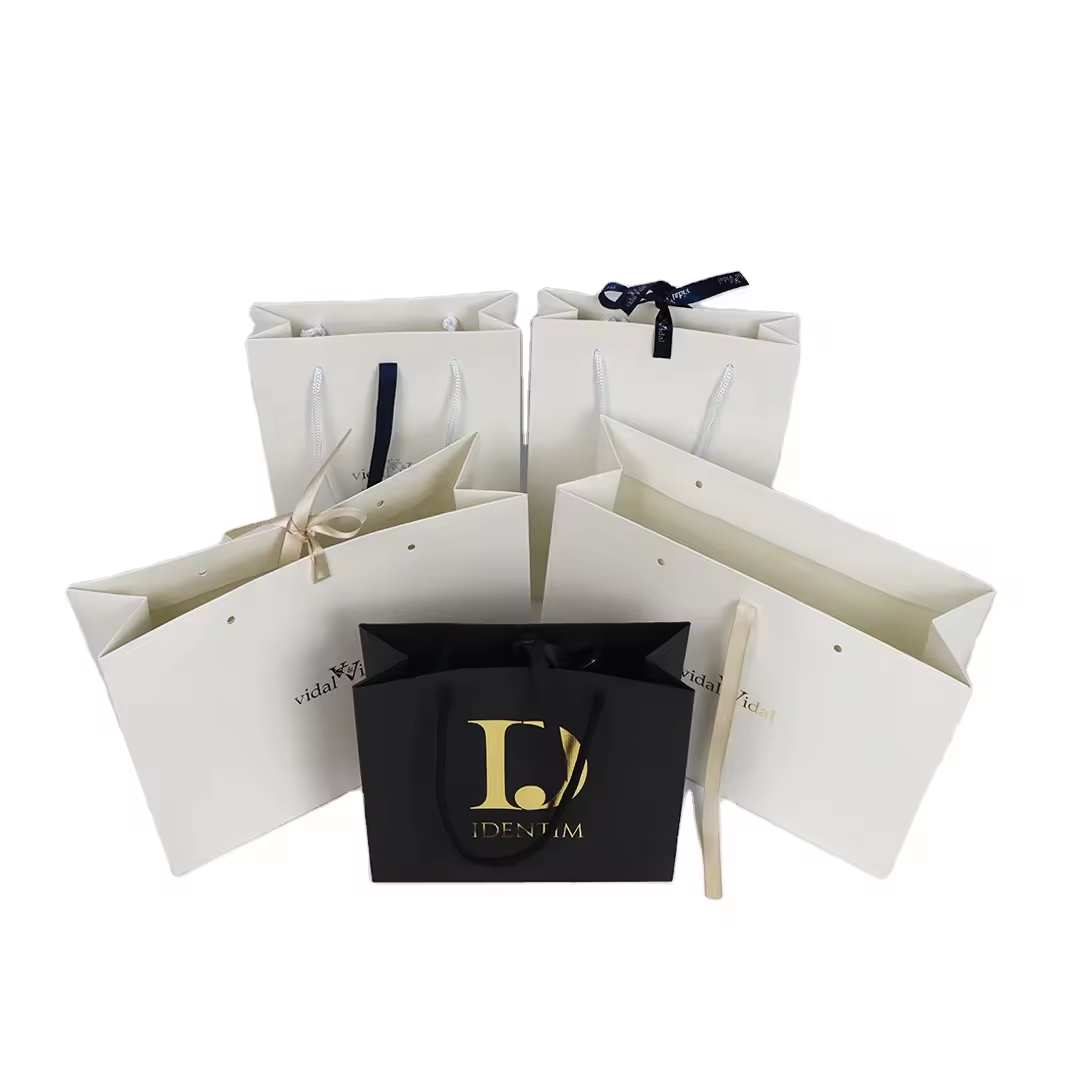
Volume directly dictates the most efficient printing technology for your project. Selecting the wrong method severely impacts your profit margins.
Digital printing operates entirely without physical print plates. It functions much like a massive office laser printer. This makes it ideal for testing, prototyping, or order volumes under 500 units. It allows for incredibly fast turnaround times. You can execute easy design iterations between small batches. However, the per-unit cost remains relatively static. It does not drop significantly as you order larger quantities.
Offset or lithographic printing requires an upfront investment in custom metal plates. Despite this initial setup fee, it delivers the highest visual fidelity available. It offers precise Pantone color matching and handles complex gradients beautifully. The per-unit costs drop significantly at high volumes. Once you exceed 1,000 units, offset becomes highly economical for long-term production.
Flexographic printing serves as the industry standard for basic corrugated shipping boxes. It utilizes flexible rubber plates to stamp simple one-to-two color logos onto the board. It offers the absolute lowest per-unit cost at mass scale. However, it lacks the capability for photo-realistic full-color imagery. Use this method for minimalist, budget-conscious branding.
The chart below summarizes how to align your volume with the correct print technology.
| Printing Method | Ideal Volume Range | Tooling/Setup Fees | Color Capability | Unit Cost at Scale |
|---|---|---|---|---|
| Digital Printing | 1 to 500 units | None | Full CMYK (Good Fidelity) | High (Static) |
| Flexographic | 500 to 5,000+ units | Low to Medium (Rubber Plates) | 1-3 Simple Colors (No Photos) | Very Low |
| Offset / Litho | 1,000 to 10,000+ units | High (Metal Plates) | Full CMYK + Pantone (Highest Fidelity) | Low |
Choosing a reliable packaging partner requires looking far beyond the initial quoted price. You must evaluate their underlying operational transparency.
Scrutinize quotes carefully for transparent tooling and setup fees. Clarify whether cutting dies and printing plates are billed separately. Some vendors charge them as one-time fees upfront. Others waive them entirely or build them subtly into the unit price. You need this transparency to compare bids accurately across different suppliers.
Seek vendors offering favorable Minimum Order Quantities (MOQs). Look for partners supporting low or zero MOQs for initial prototype orders. This flexibility allows for risk-free physical testing before you commit to large-scale production runs. Prototyping prevents catastrophic errors from reaching your warehouse.
Evaluate their pre-production proofing Service Level Agreements (SLAs). A trustworthy vendor provides interactive 3D mockups. This allows you to verify logo placement when the box is open and closed. They should also offer free expert manual artwork inspection. Good vendors consistently flag resolution or bleed issues prior to manufacturing.
Standardize your expectations regarding lead time realities. Custom manufacturing involves multiple sequential steps. Custom physical samples typically require 3 to 5 business days to produce. Full production runs generally require 10 to 15 business days. Plan your inventory replenishments accordingly to avoid frustrating out-of-stock scenarios.
Finally, confirm their material sourcing standards. Reliable partners verify paper grades and structural test scores. They ensure the board withstands specific crushing forces relevant to your transit environment.
Transitioning to custom printed packaging requires moving beyond visual aesthetics to rigorous technical execution.
Before placing a bulk order, download the vendor’s exact dieline template to ensure structural compatibility. Apply the 300 DPI and CMYK rules strictly to all visual assets to prevent expensive misprints. Always order a single physical prototype first. Use this prototype to physically test color accuracy, box durability, and the actual unboxing friction your customers will experience.
A: For minimal volume, custom rubber stamps or branded packing tape are the most cost-effective. For actual box printing, 1-color flexographic printing on standard kraft corrugated board is the industry's baseline for budget custom packaging.
A: Computer screens emit light using RGB color profiles, while physical printers mix CMYK ink. If you do not convert your design to CMYK or specify Pantone (PMS) colors before submission, the printed result will often look duller or shifted in hue.
A: Yes, but with limitations. Canva Pro allows exports in PDF Print format with CMYK color profiles, but it lacks advanced dieline manipulation and bleed management found in professional software like Adobe Illustrator. Always request a manual artwork review from your vendor if using web-based design tools.
